A routine worth exploring.
Guide shoppers through the order of use with routine chapters and morning/evening groupings. Give individual products a clear role in the wider ritual.
 mufatechSTUDIODownload free ↓
ELARUNE / BEAUTY & SKINCARE
Free · version 1.1.1
A Shopify theme built around how people discover skincare. Connect the product, its ingredients and its place in a routine—with a visual language made for beauty.
Live development preview. Storefront password: elarune · Explore the live shopping experience.
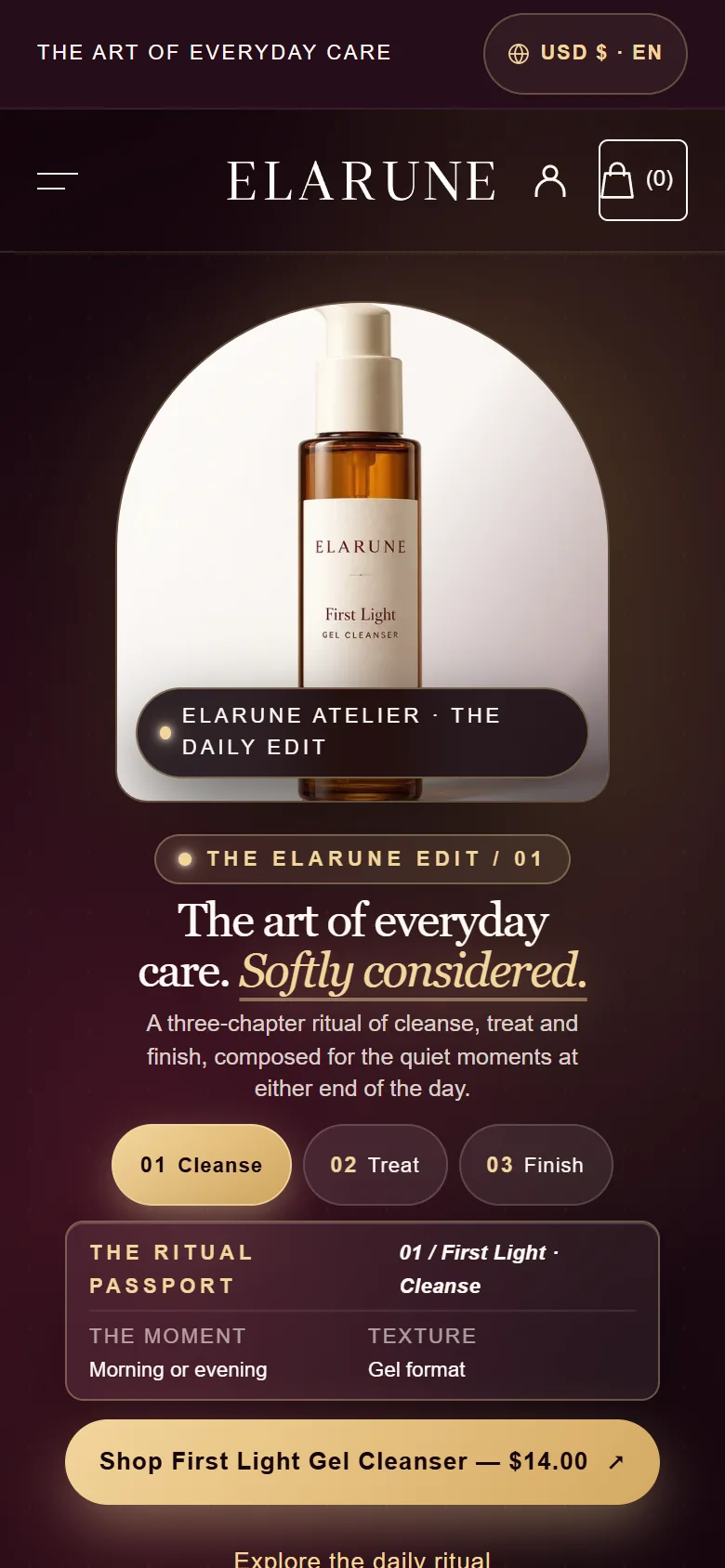
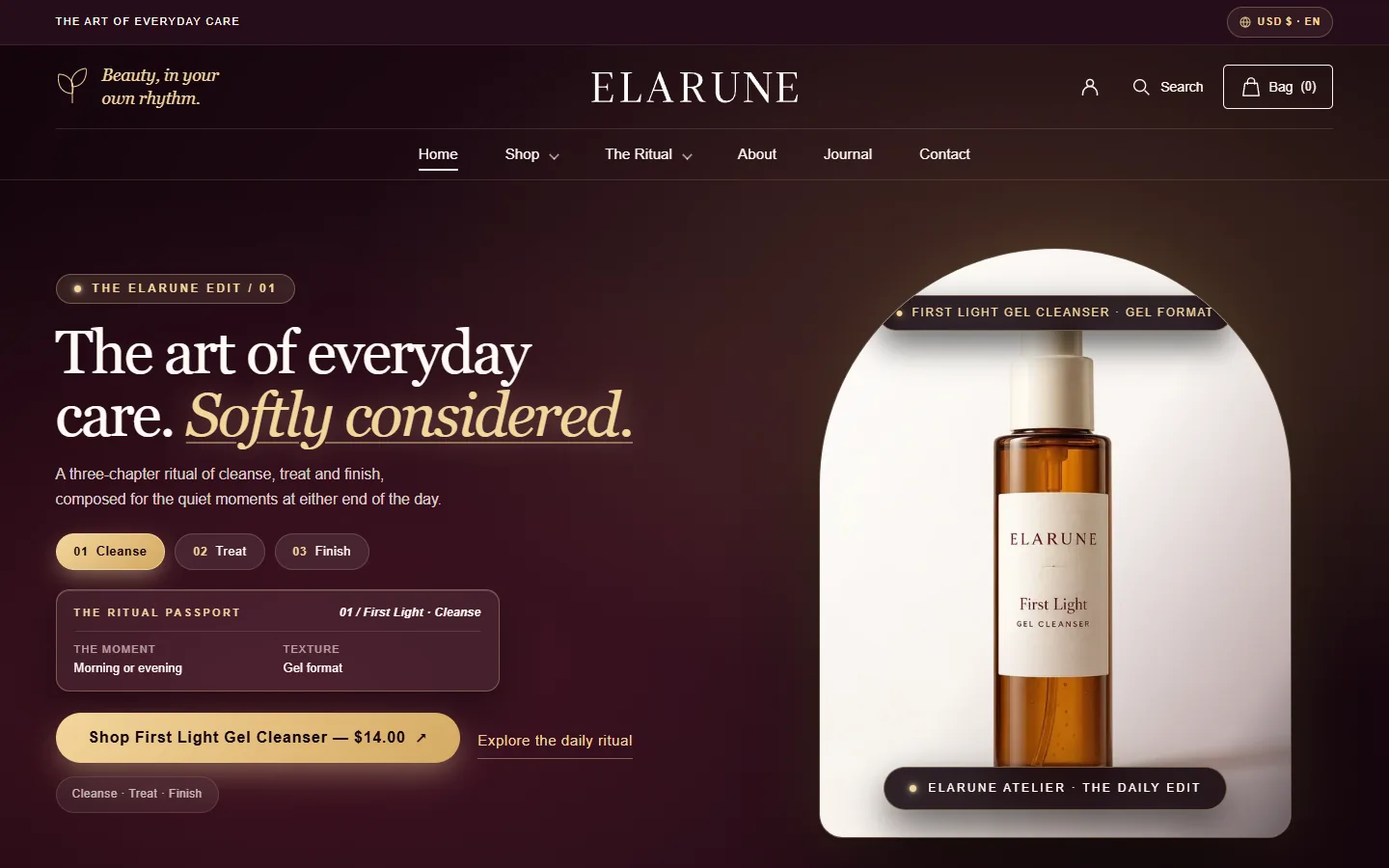
BUILT-IN TOOLS · CONFIGURED IN THE THEME EDITOR
Elarune includes the conversion and discovery tools skincare stores commonly need—volume pricing, back-in-stock sign-up, sticky add to cart, free shipping progress and more. They are built with Liquid, CSS and on-demand JavaScript, run on your Shopify data, and need no additional app for these features.
Single, duo & trio tier selector; pair it with a Shopify automatic discount.
Sold-out variant sign-up that tags Shopify customers for Shopify Flow notifications.
Restrained stock status driven by real Shopify variant inventory.
Purchase bar that stays in view as shoppers scroll the product page.
One-click morning/evening routine cross-sells on product pages.
Progress meter in the cart drawer and cart page toward your free shipping threshold.
Slide-out drawer product recommendations with direct Ajax add-to-cart.
Interactive image comparison slider with keyboard arrow controls.
Side-by-side ingredient and benefit comparison tables for beauty shoppers.
Modal dialog with focus management and keyboard control.
| Feature / Commerce Capability | Where to Configure | Elarune Built-In | Requires or Uses |
|---|---|---|---|
| Volume & Tiered PricingQuantity tier selector (single, duo, trio) with labels and badges | Product block | ✓ Built in | A matching Shopify automatic discount |
| Back-in-Stock Sign-upSold-out variant sign-up saved as tagged Shopify customers | Buy buttons block | ✓ Built in | Shopify Flow or your email tool for notifications |
| Sticky Add to CartAlways-visible purchase bar on product scroll | Product information | ✓ Built in | One checkbox, no extra setup |
| Free Shipping Progress BarThreshold bar in cart drawer & page | Cart drawer & cart page | ✓ Built in | A threshold matching your shipping rates |
| Routine BundlesOne-click routine cross-sell additions | Routine Chapters section | ✓ Built in | Complementary products (Shopify Search & Discovery) |
| In-Cart Upsells & Gift ThresholdsSlide-out drawer recommendations & reward thresholds | Cart drawer | ✓ Built in | Shopify product recommendations and Cart API |
| Before / After Image ComparisonAccessible range slider for two images | Section | ✓ Built in | Two uploaded images; keyboard arrow controls |
| Low-Stock IndicatorStock status from real inventory | Inventory block | ✓ Built in | Real Shopify variant inventory with tracking on |
| Ingredient & Routine Matrix ComparisonSide-by-side formula breakdown | Section | ✓ Built in | Product metafields and metaobjects |
| Quick View ModalVariant & shade selection in collection view | Automatic on product cards | ✓ Built in | Focus management & keyboard control |
| All ten tools | Theme editor | Included | No additional app needed for these features |
These tools are part of the theme's own code and load with the rest of the theme from Shopify's CDN, so none of them requires installing an additional app. Storefront speed still depends on your images, content and any apps you choose to add.
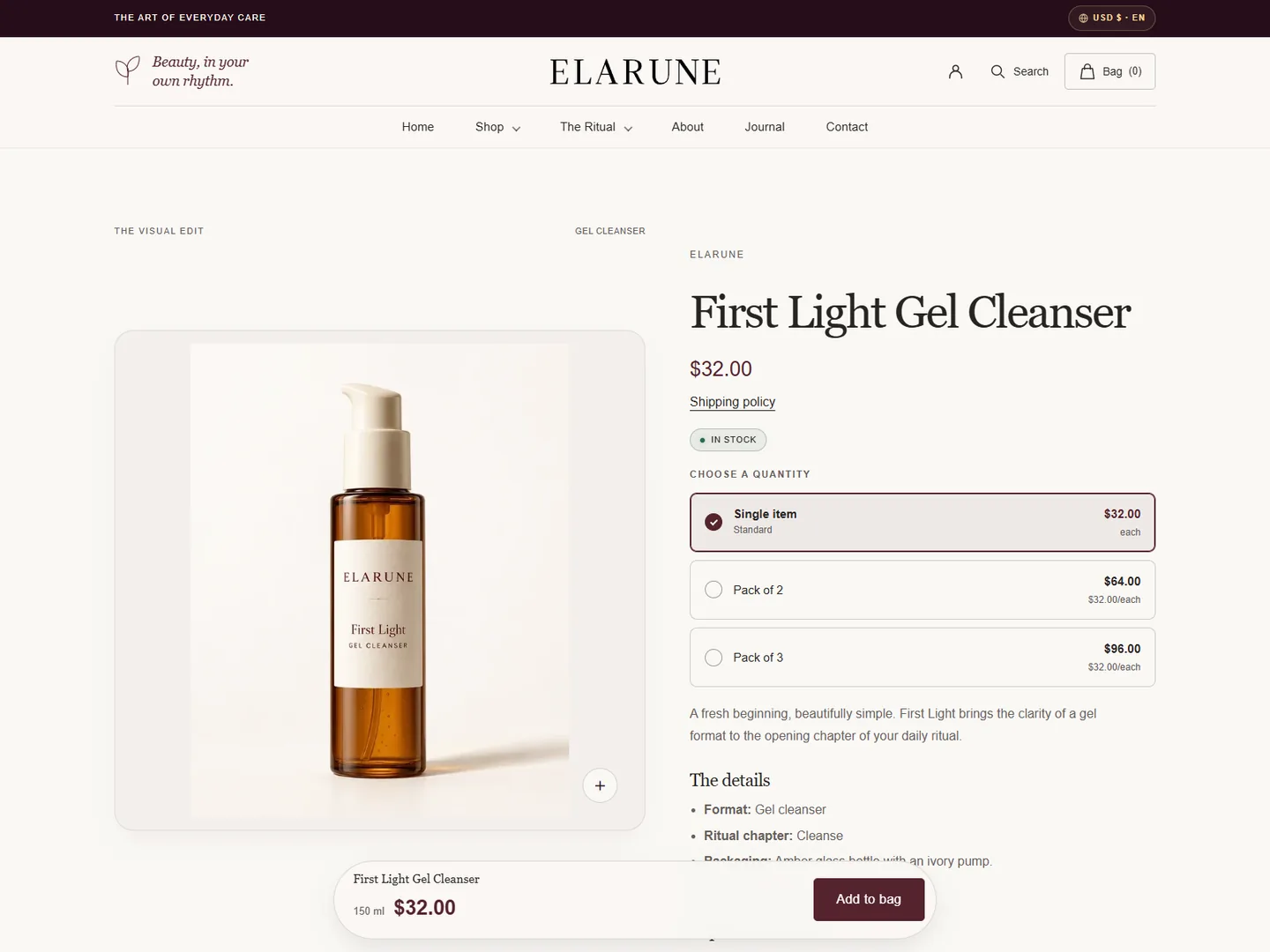
The product experience · Elarune live store preview
INSIDE ELARUNE
Category-specific tools, with your products and your story at the centre.
Guide shoppers through the order of use with routine chapters and morning/evening groupings. Give individual products a clear role in the wider ritual.
Bring key ingredients, full ingredient information and how-to-use content into the product story. Use your own product information and substantiated claims.
Present products side by side with merchant-provided details, so shoppers can explore the differences that matter to them.
Quick product viewing, variant selection and accessible purchase controls keep product discovery close to the next step.
Features depend on the content and settings you configure. Demo products and their claims are illustrative. Screenshots show a development snapshot; the live demo may continue to evolve.
ELARUNE · FREE DOWNLOAD
Free for every store you own or build. Keep the “Theme by Mufatech” link in the footer; that’s all we ask.
Demo storefront password: elarune
No Shopify store yet? Start a Shopify trial (opens in a new tab) and upload Elarune on day one. Affiliate link: we may earn a referral fee, at no cost to you.
FROM FIRST LOOK TO SETUP
Ask about Elarune, get help with setup or tell us about an issue. Support continues by email.
[email protected] ↗