The Wrist Atelier.
Compare case sizes against a diameter the customer already knows, at the same scale, and offer a printable size template. A proportion study, not a promise of fit.
 mufatechSTUDIO
Download free ↓
mufatechSTUDIO
Download free ↓
VALMONT / SHOPIFY THEME FOR WATCH & CONSIDERED-GOODS BRANDS
Free · version 1.5.1
A premium Online Store 2.0 theme for watch and considered-goods brands. Editorial where the story matters, precise where the customer decides, with the tools a considered purchase needs already inside the theme.
Demo storefront password: valmont


HIGHLIGHTS
Proportion, specification and story, presented with restraint. Every tool reads your own product data and hides itself when the data is missing.
Compare case sizes against a diameter the customer already knows, at the same scale, and offer a printable size template. A proportion study, not a promise of fit.
Movement, case, crystal and water resistance in a calm comparison table, with an option to show only the differences.
Watch profiles built on Shopify metaobjects feed product pages, cards, quick view, comparison and the Wrist Atelier. Product-level values take precedence; blanks stay blank.
Slideshow, video with a ready demo film, image explorer, journal, press and FAQ sections give each collection an editorial voice without extra apps.

INCLUDED WITH VALMONT
The tools shoppers expect from a specialist store are built into the theme with Shopify's native forms, tags, metafields and inventory. Fewer apps to install, configure and keep in step.
The app stack it replaces
24 of the included tools have a paid Shopify app equivalent. Added up at typical starting prices, a comparable app stack comes to:
Typical starting prices of popular Shopify App Store apps offering comparable features, checked September 2026. Prices vary by plan and change over time. Each range spans the lowest paid plans of two or three apps per tool, and the totals add those ranges up. Some apps combine several features and many offer limited free plans, so an actual stack may cost less. Tools shown without a price are not counted.
Help customers narrow a collection down to the one watch.
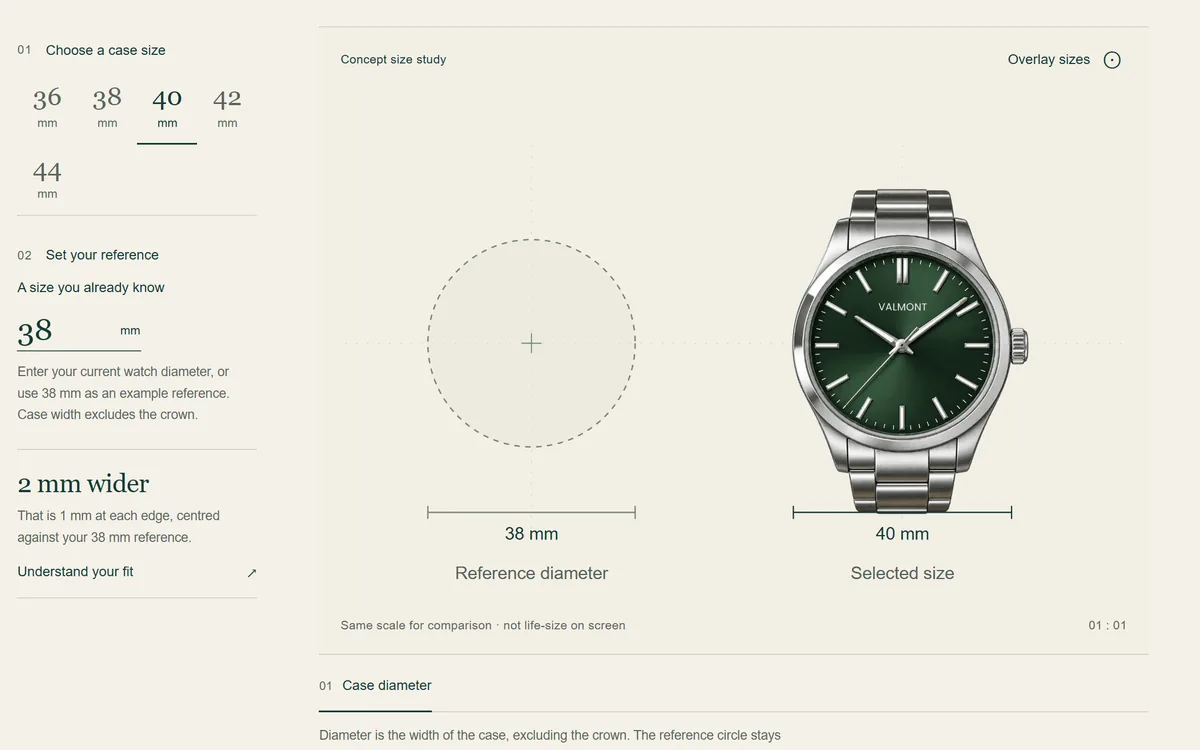
Case sizes against a familiar reference, with a printable size template.
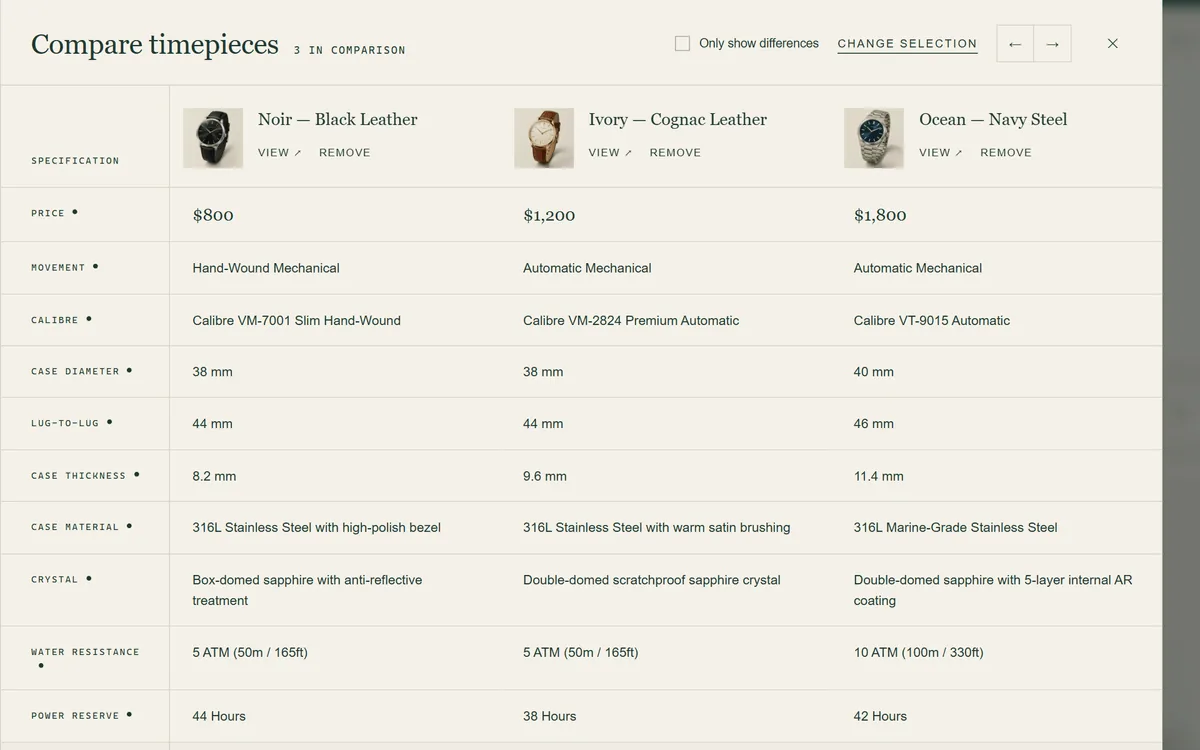
Up to several watches side by side, with a differences-only view.
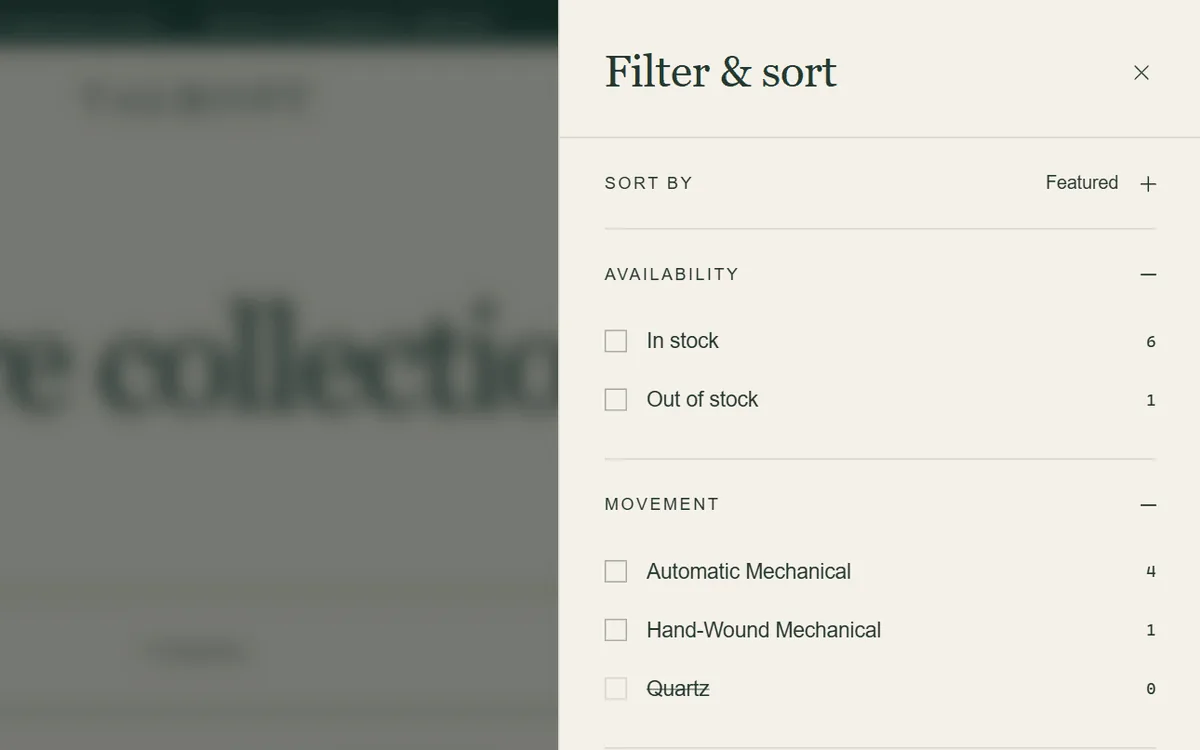
Shopify's filters in a quiet drawer with a live result count.
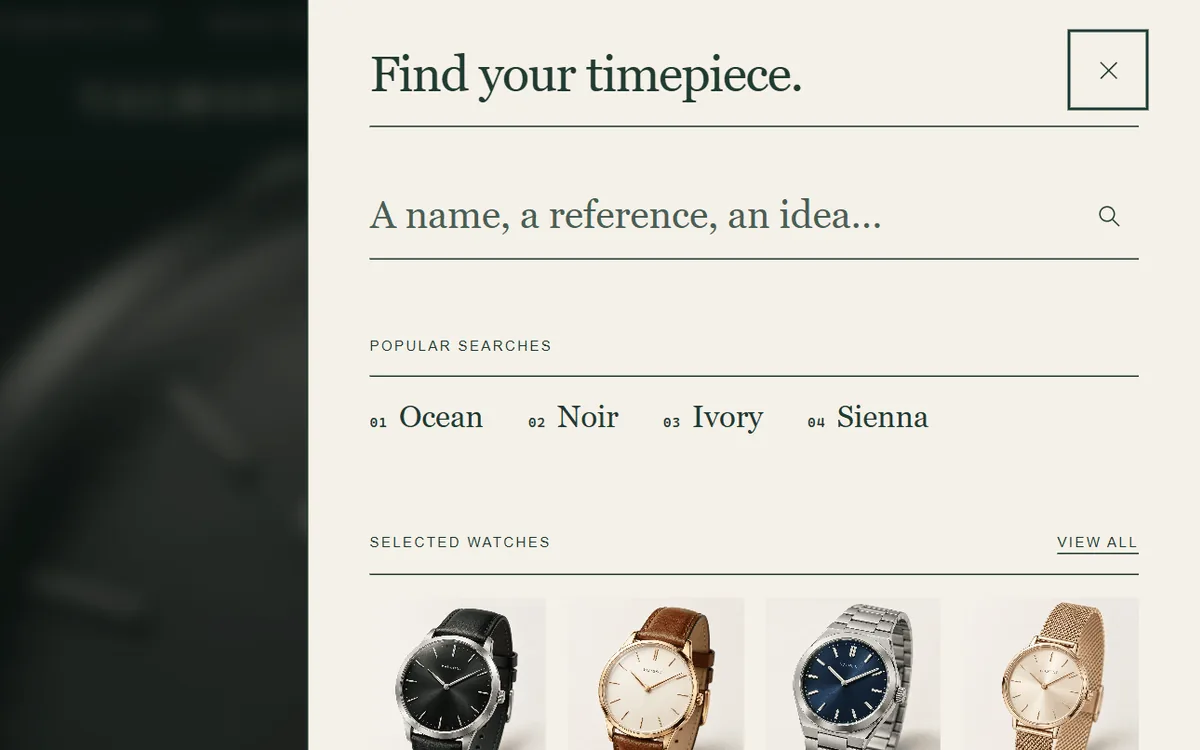
Popular and recent searches, rich results and keyboard navigation.
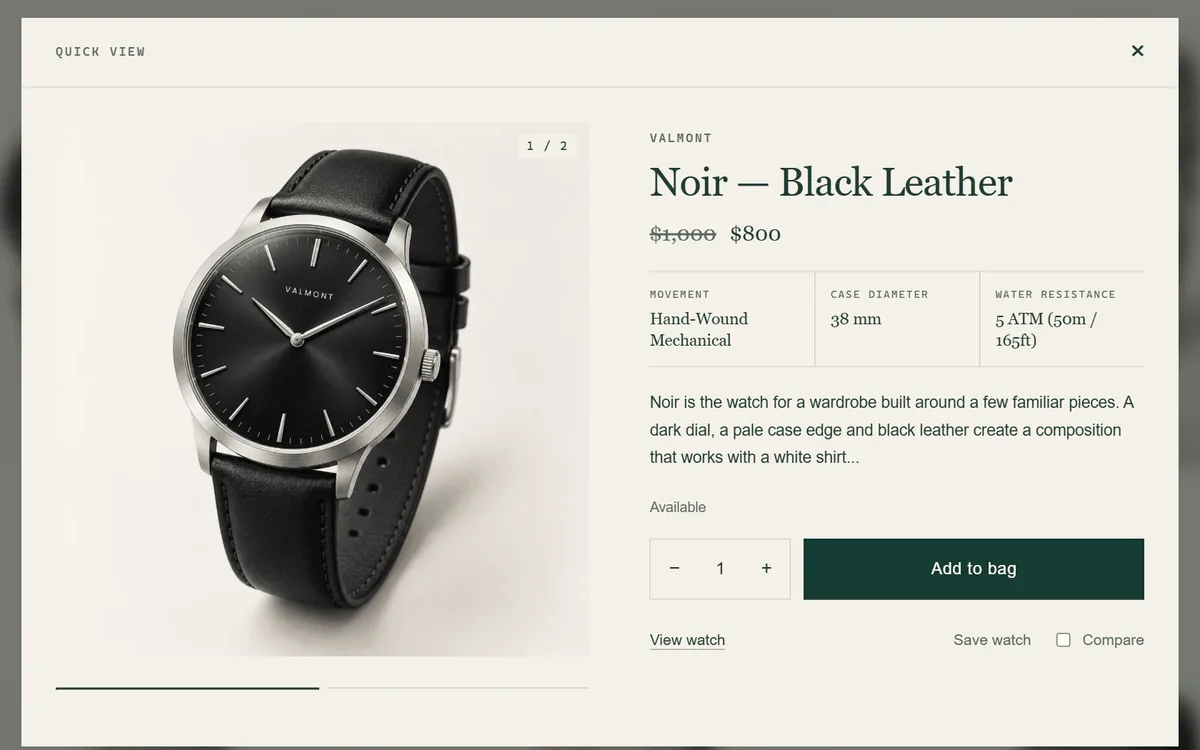
The full purchase panel without leaving the collection.
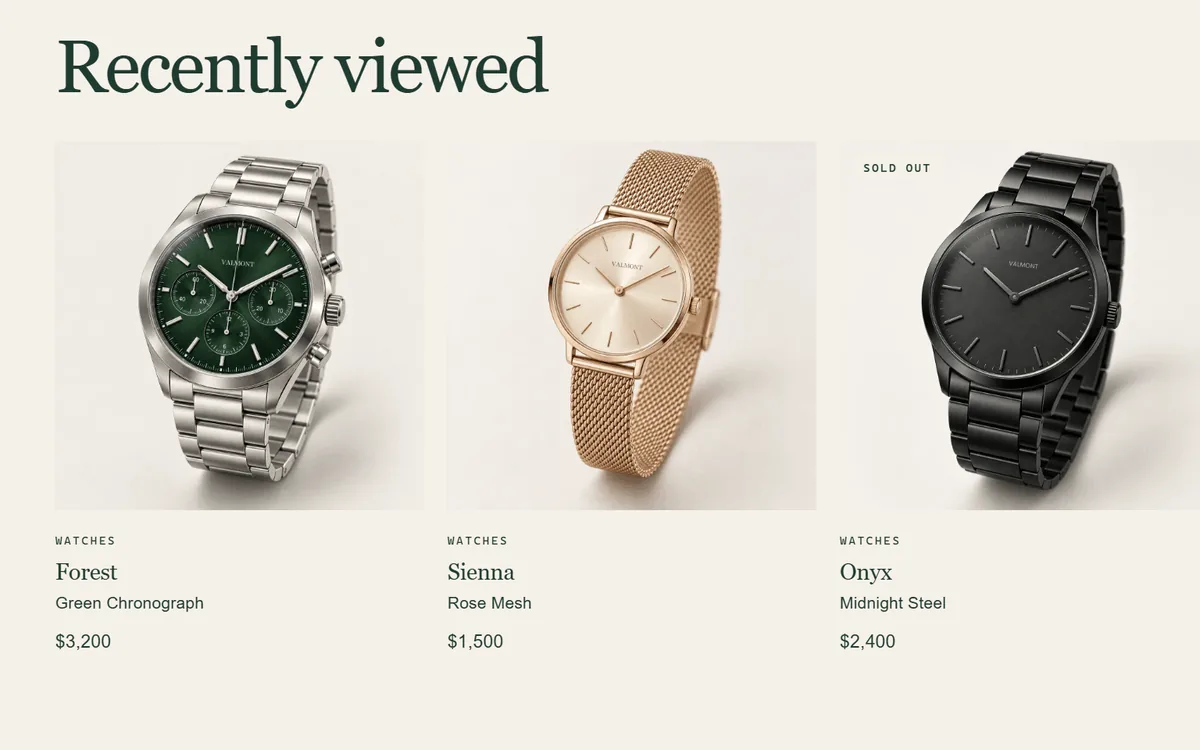
Brings back the watches a shopper was weighing up.
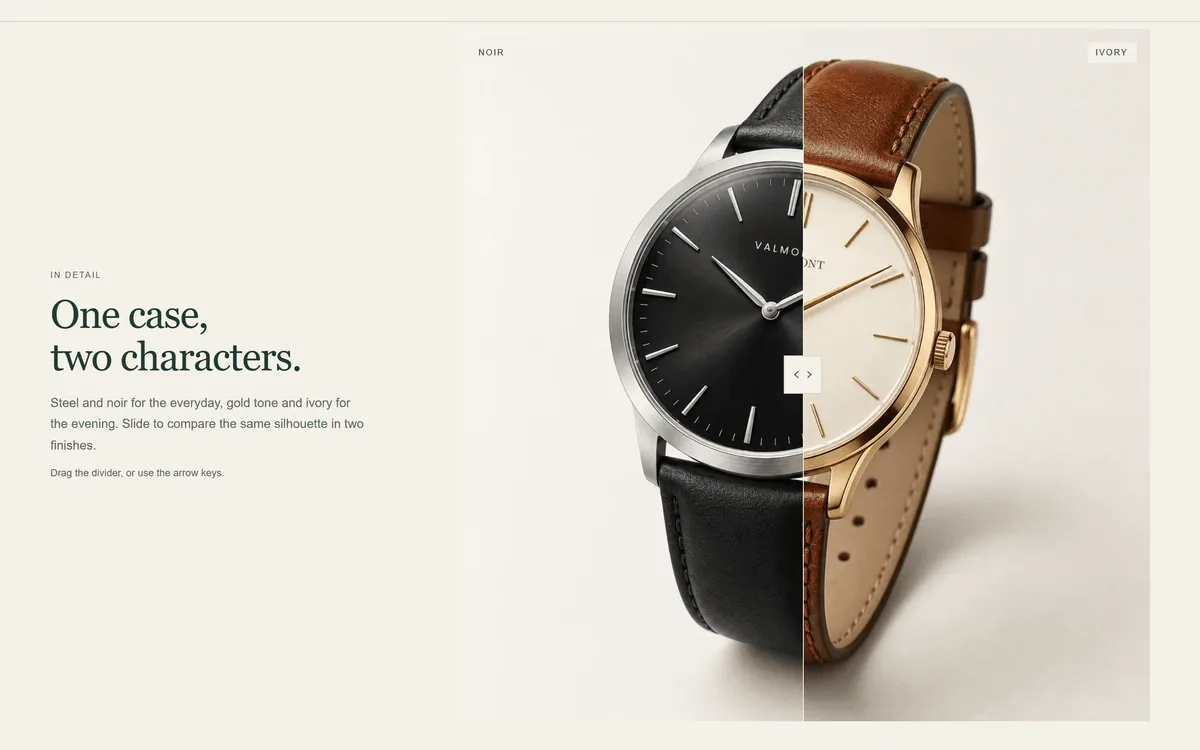
Drag between two images: dial finishes, strap options, restoration work.
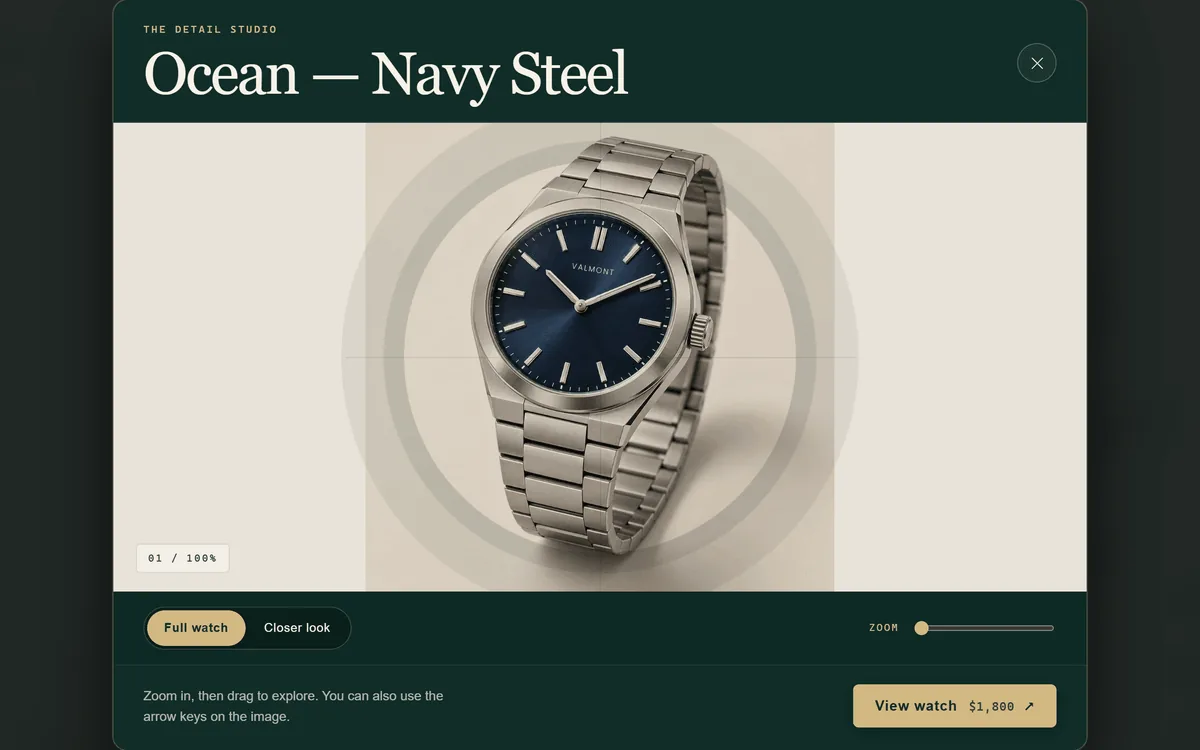
Zoom into dial, case and bracelet details from the product gallery.
Keep the decision calm and the next step close.
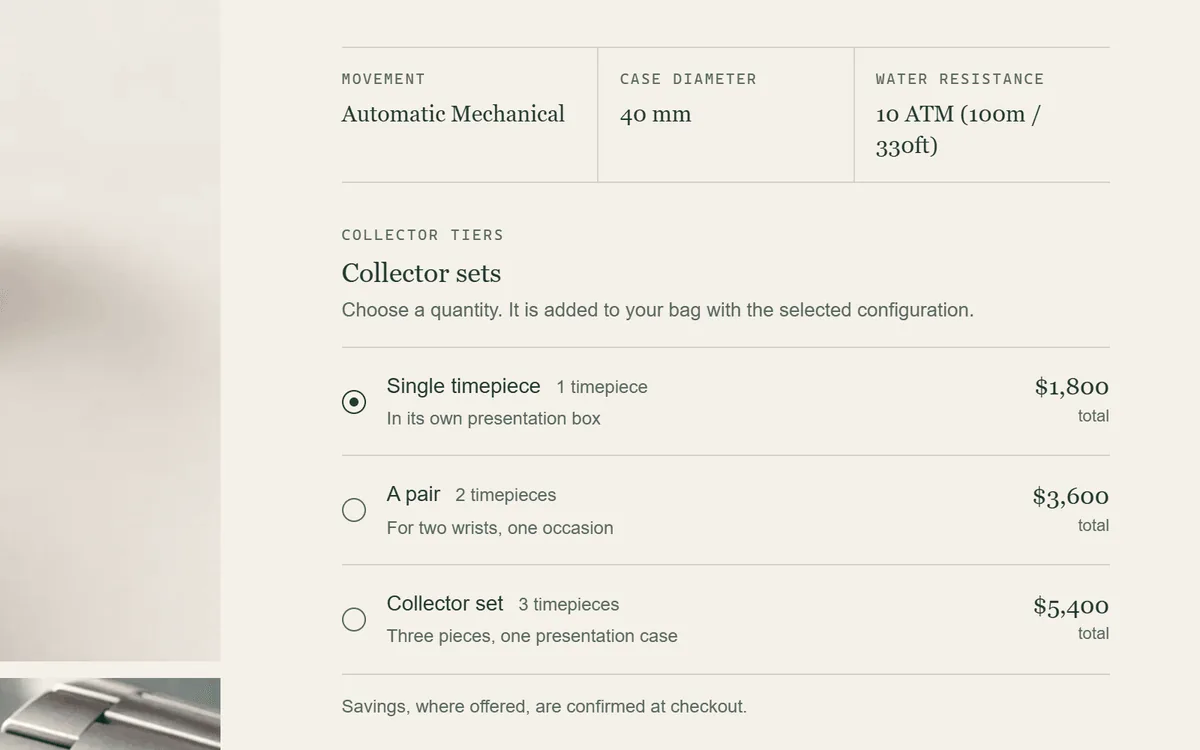
Quantity options with clear totals. Any discount is set up in Shopify, not applied by the theme.
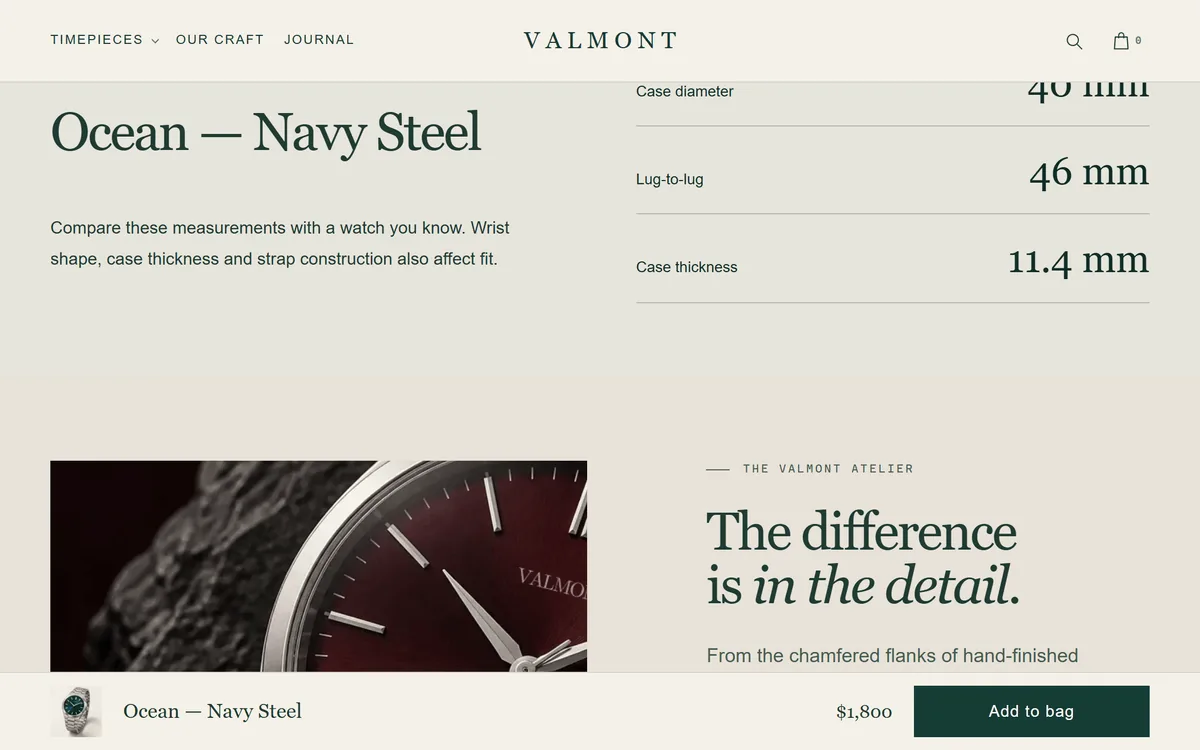
A slim bar appears once the main button scrolls out of view.
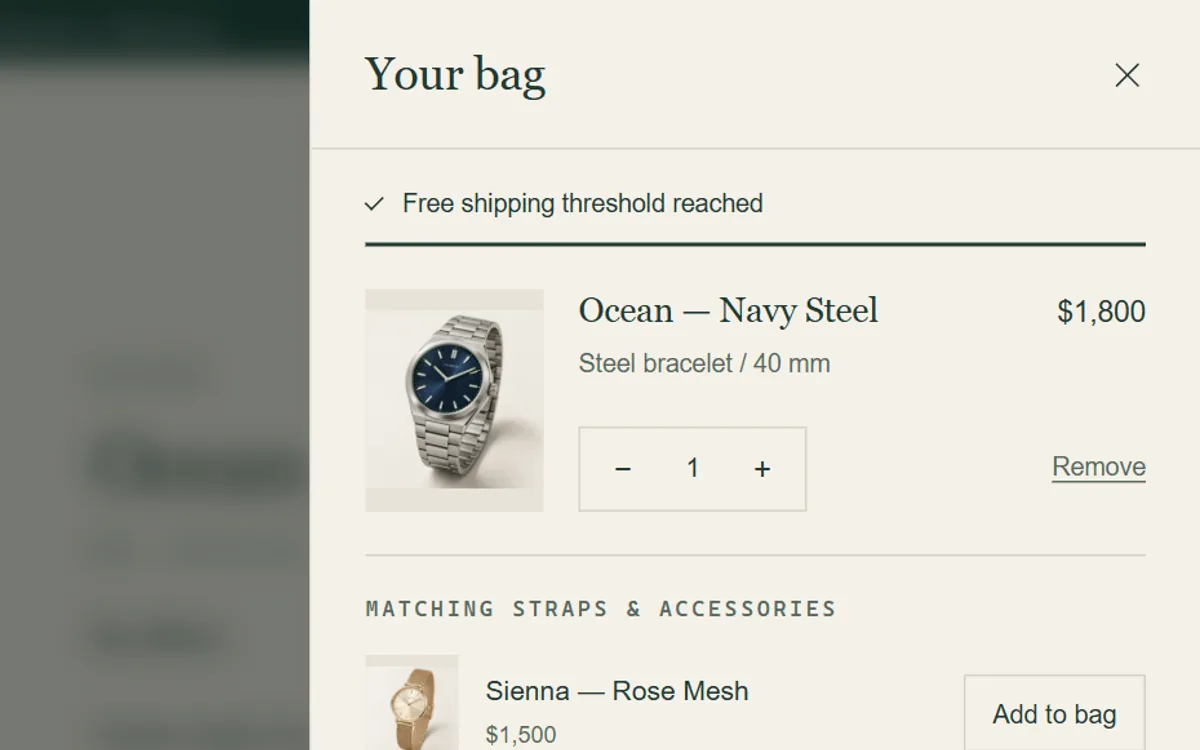
A gauge towards your own threshold, updated with every cart change.
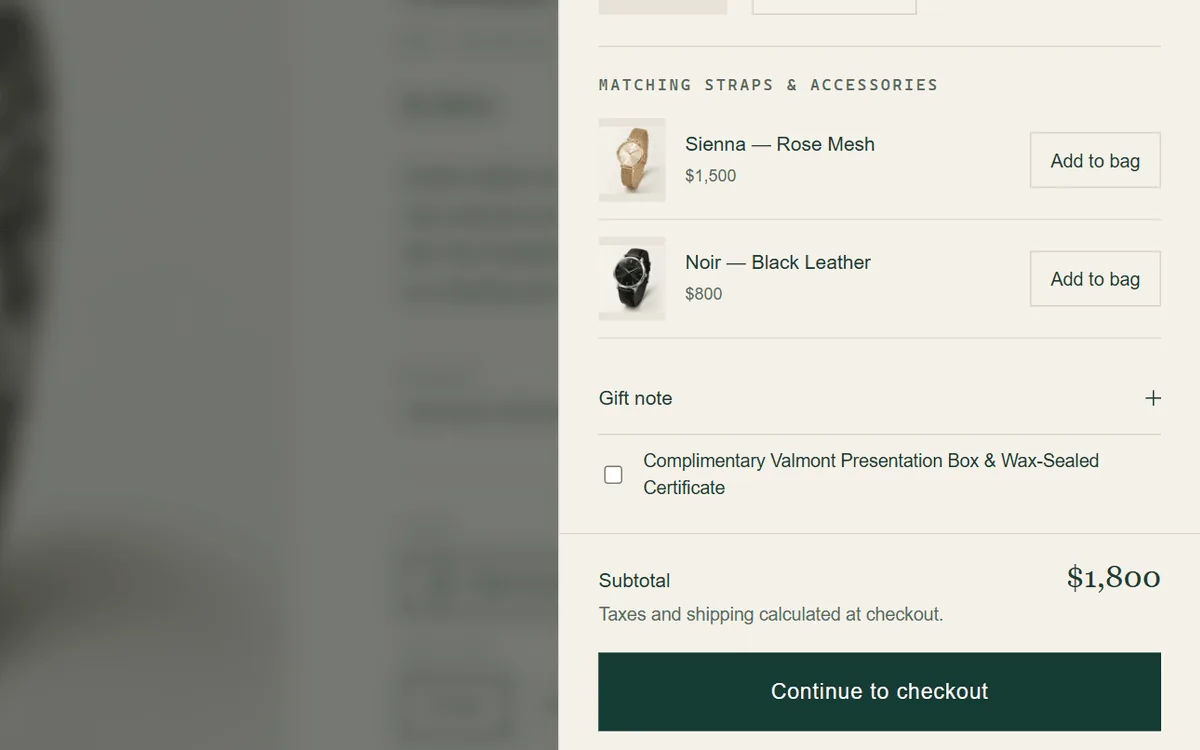
Straps and accessories added in one tap, plus a gift note.
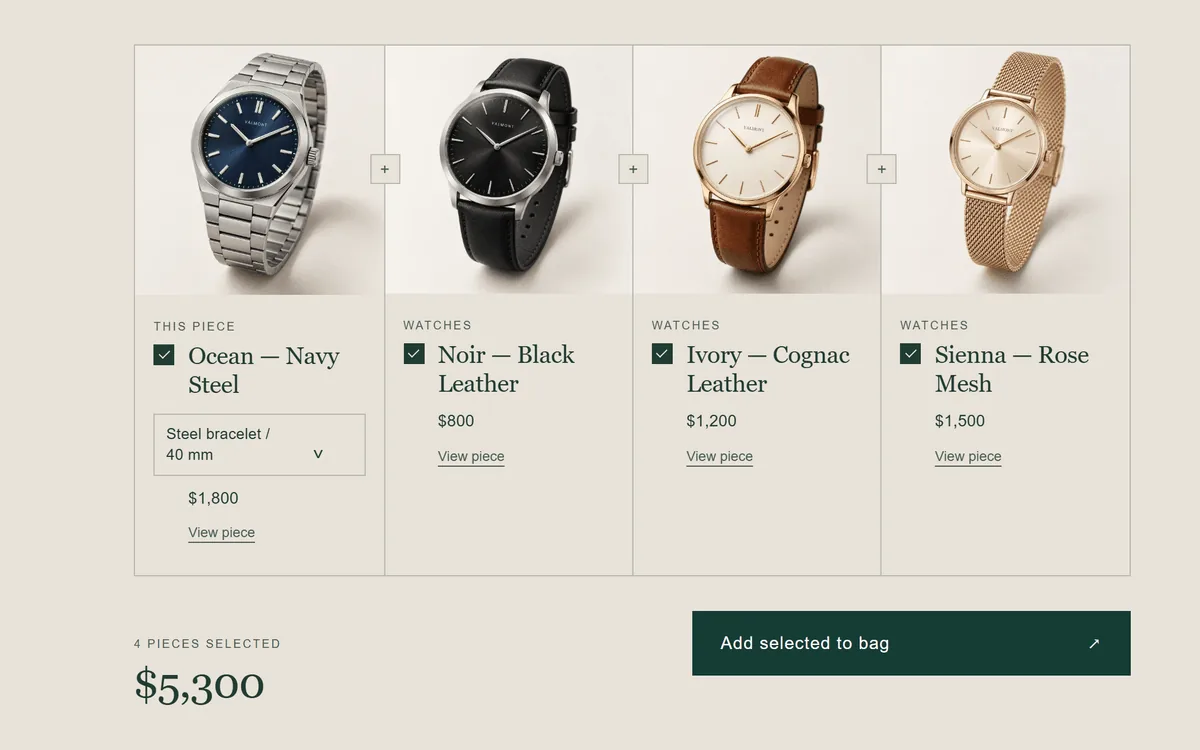
Pair a watch with its strap, roll or winder and add them together, without an automatic bundle discount.
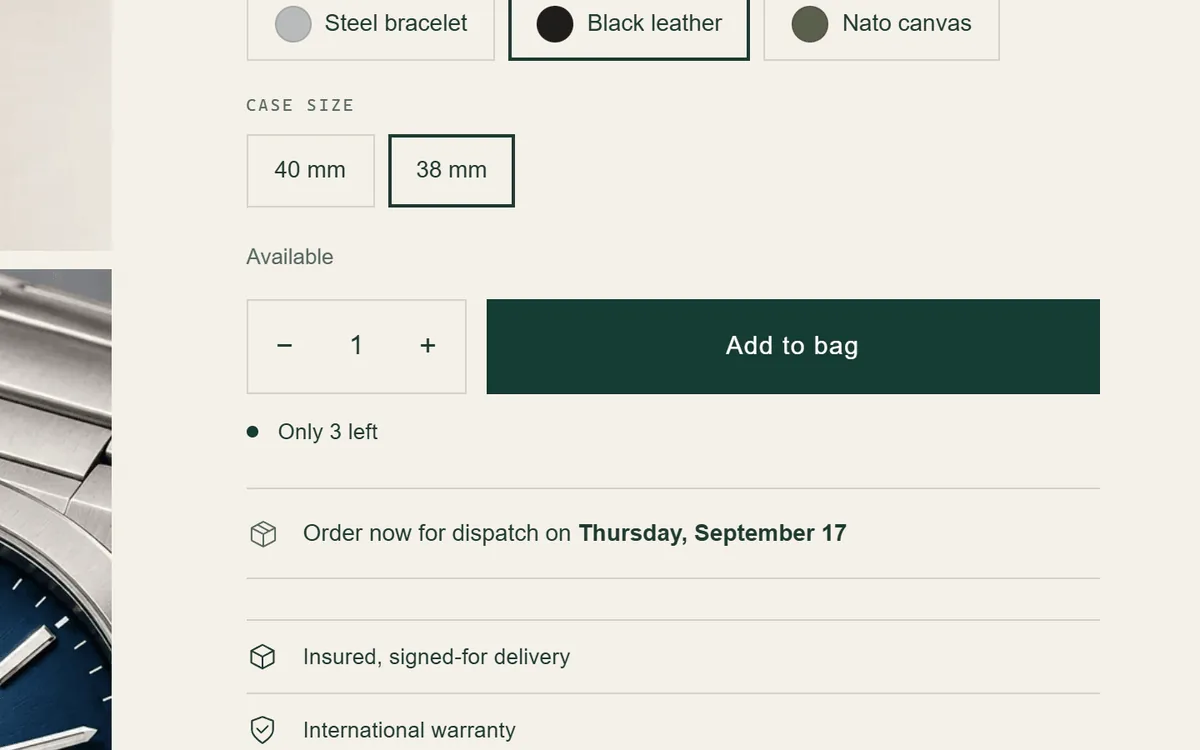
Shown only when real inventory falls below your threshold.
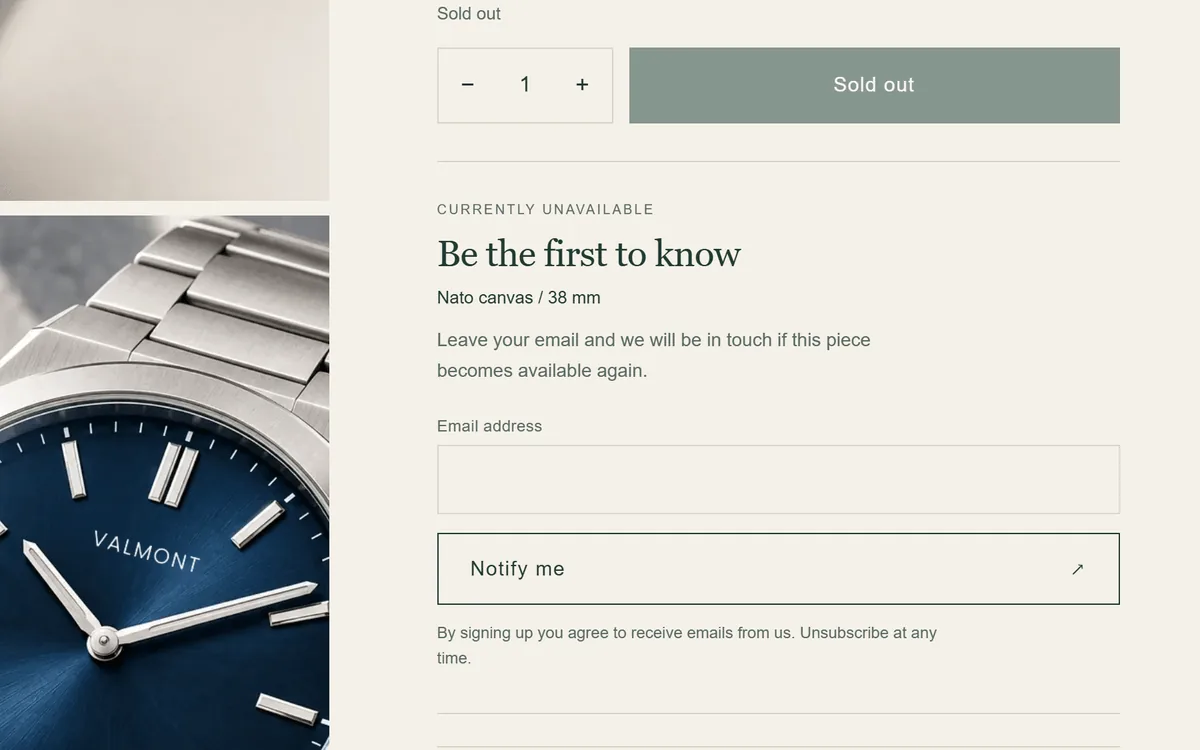
Shoppers leave their email; you follow up with Shopify Email or Flow.
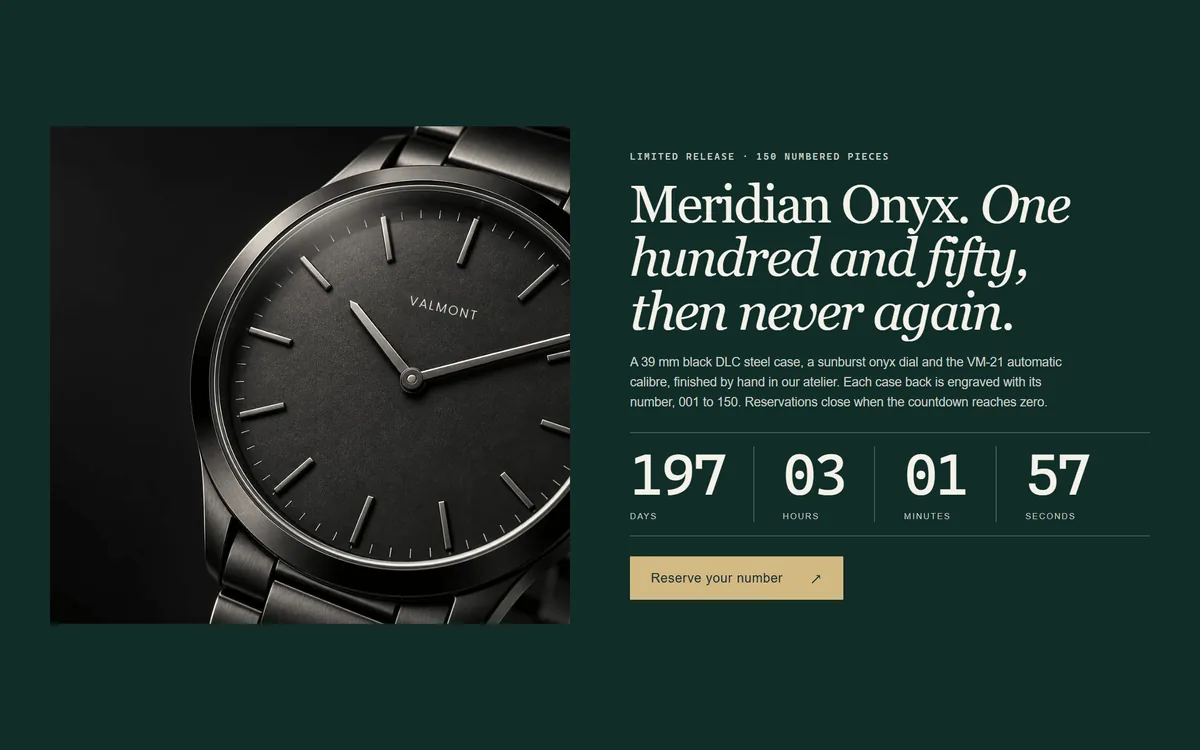
Counts down to a date you set; hides or shows a message when it ends.
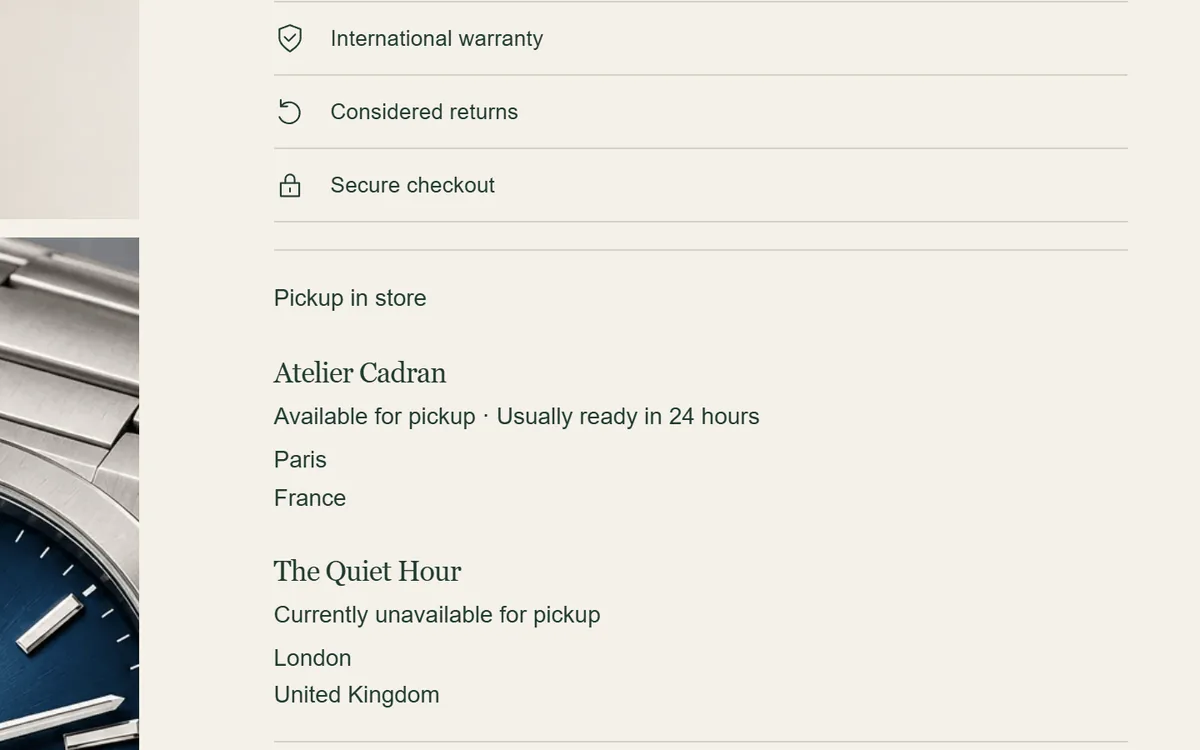
Live pickup availability for the selected variant from your Shopify locations.
For pieces that are enquired about, allocated, engraved or seen in person.
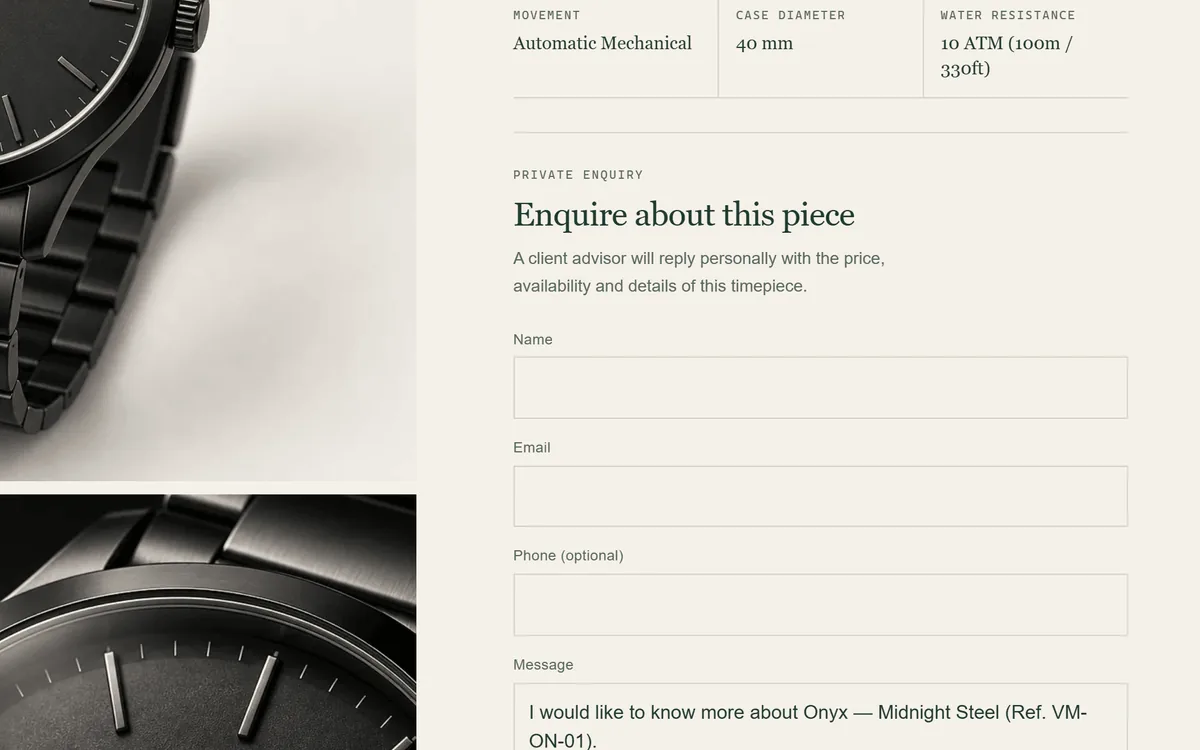
Swap the purchase panel for a private enquiry that sends the watch title, reference and link.
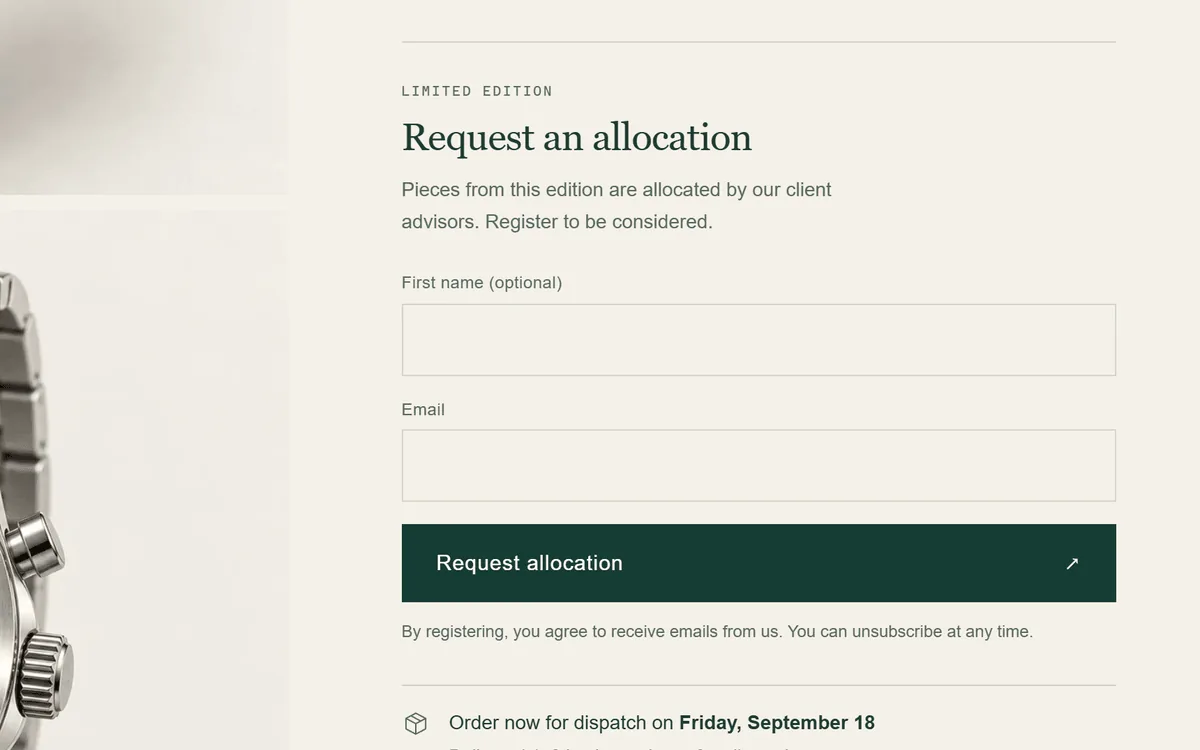
Collect interest for limited editions; customers are tagged per watch for your follow-up.
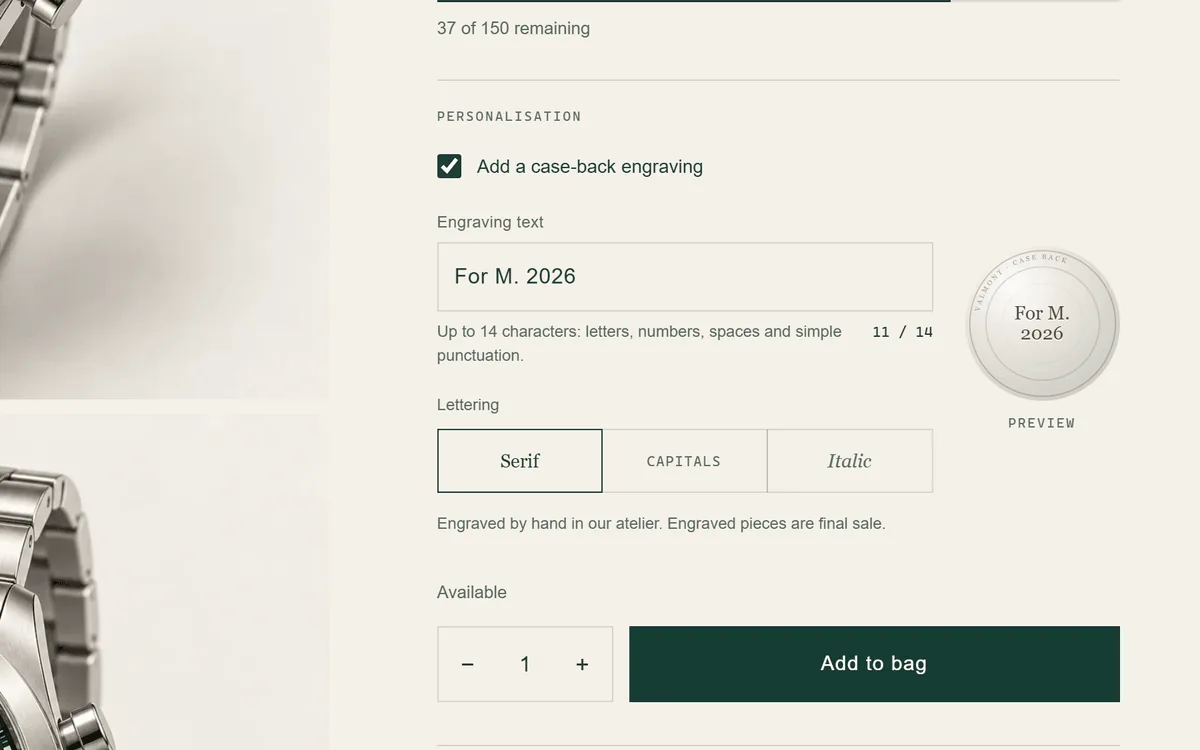
A case-back engraving field with character limits, carried to cart, checkout and order.
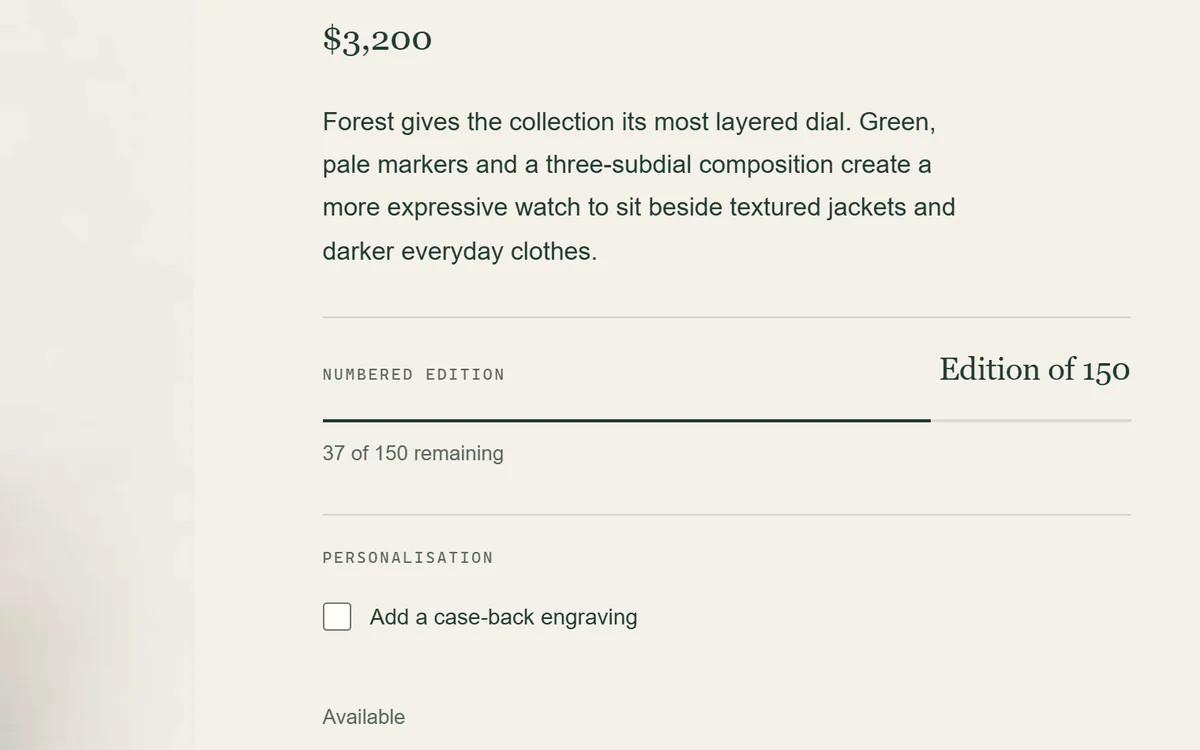
Edition size, ship window and a remaining-allocation meter from real inventory. Deposits need a selling-plan app.
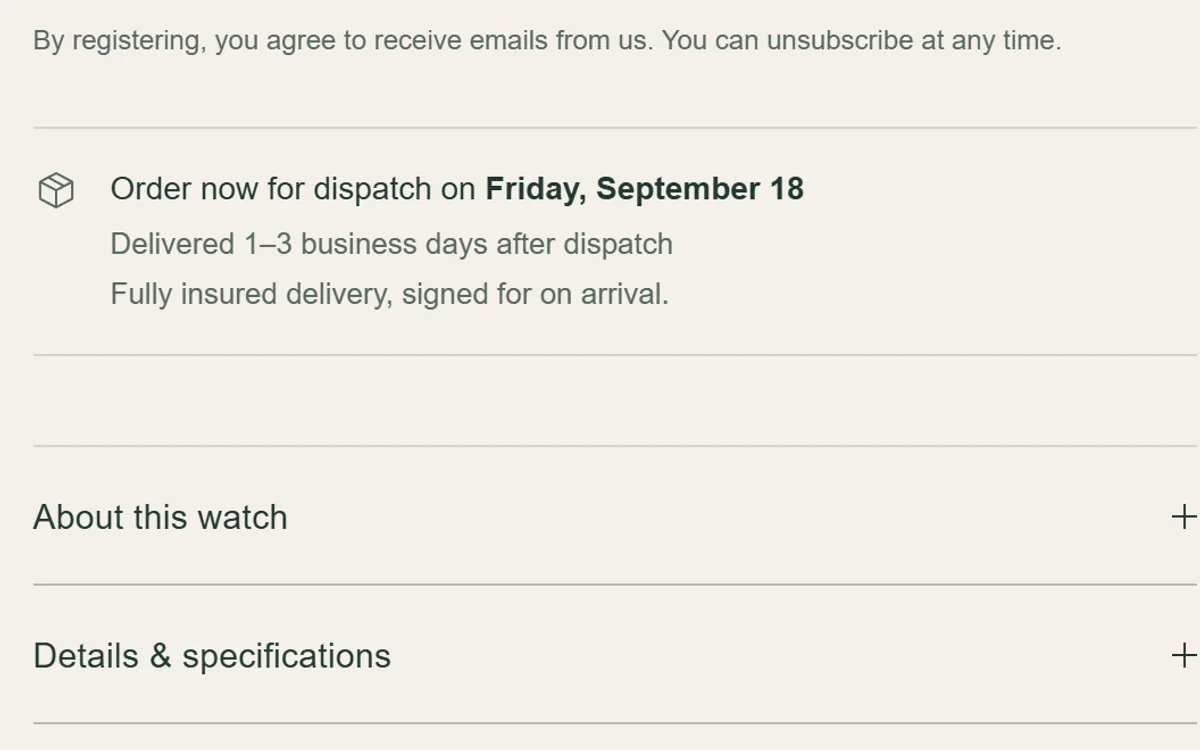
A dispatch date from your cut-off time, working days and holidays, with insured-delivery wording.
Customers ask about a boutique visit, video call or service drop-off in their own words. No calendar or time slots; your team replies to arrange it.
Quiet, on-brand messages around the storefront.
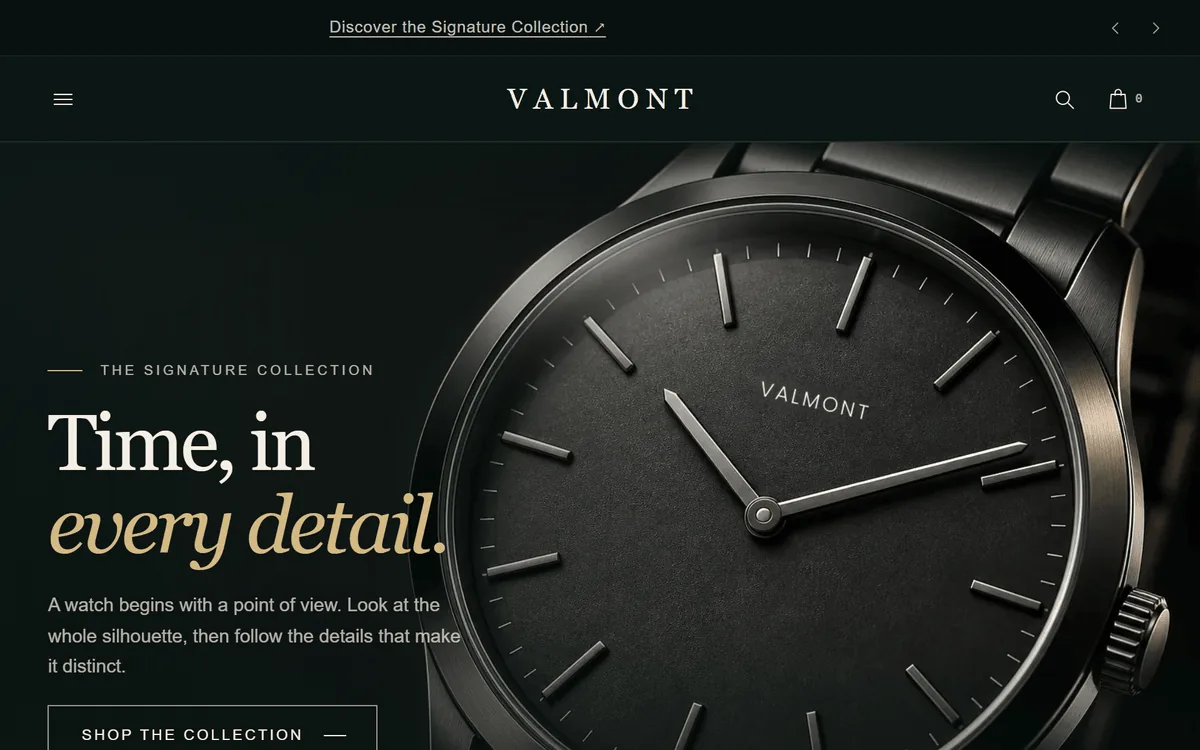
Several short messages in turn, pausable and reduced-motion aware.
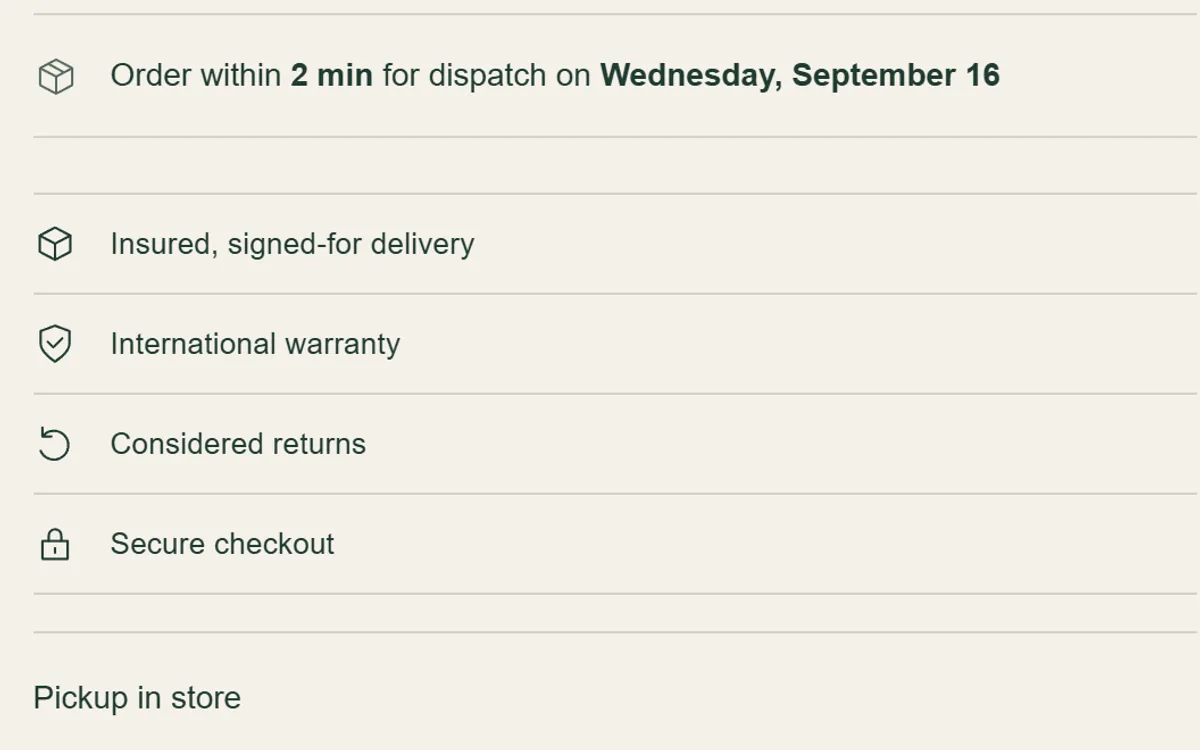
Your service promises and accepted payment methods in one line.
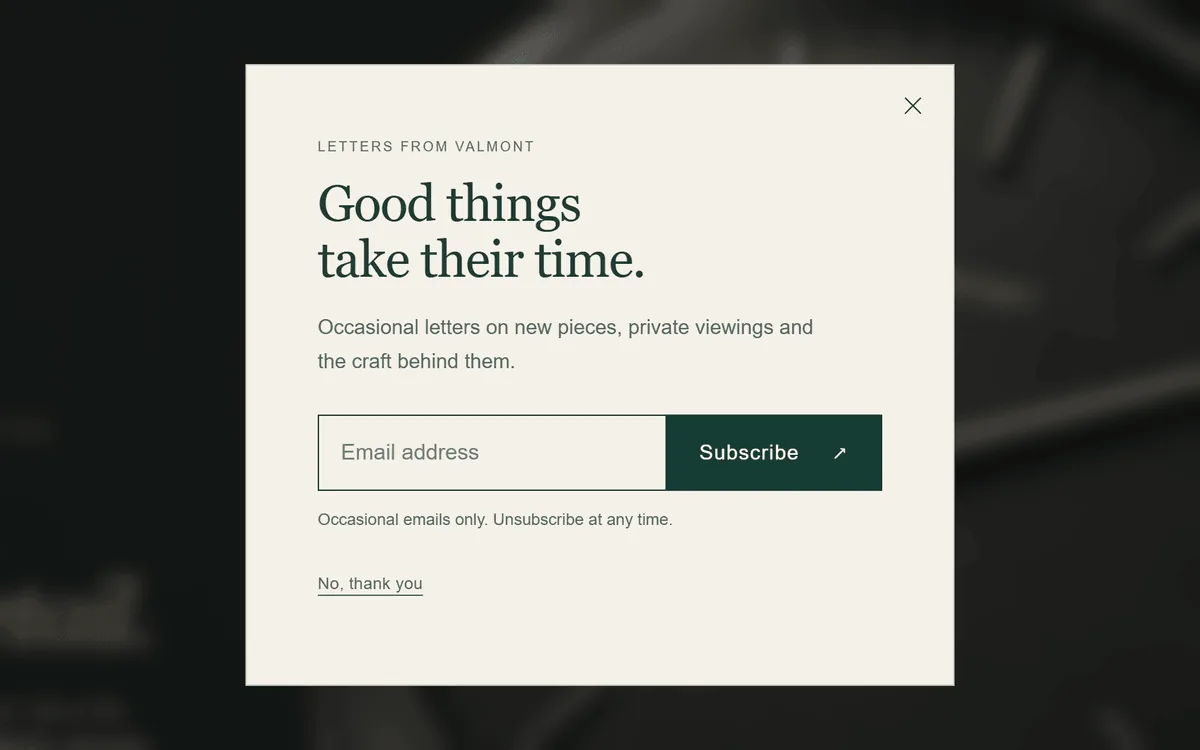
An understated sign-up or announcement prompt with frequency control.
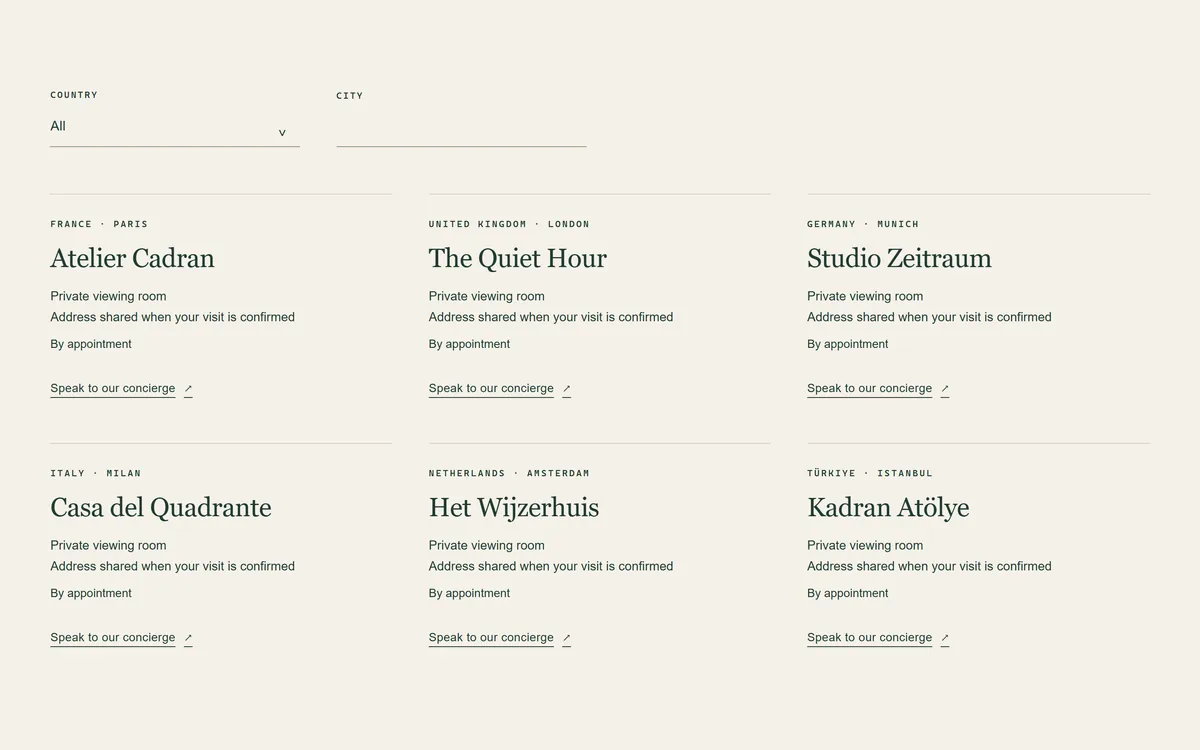
A directory of boutiques and retailers with addresses, hours and an optional private viewing enquiry link.
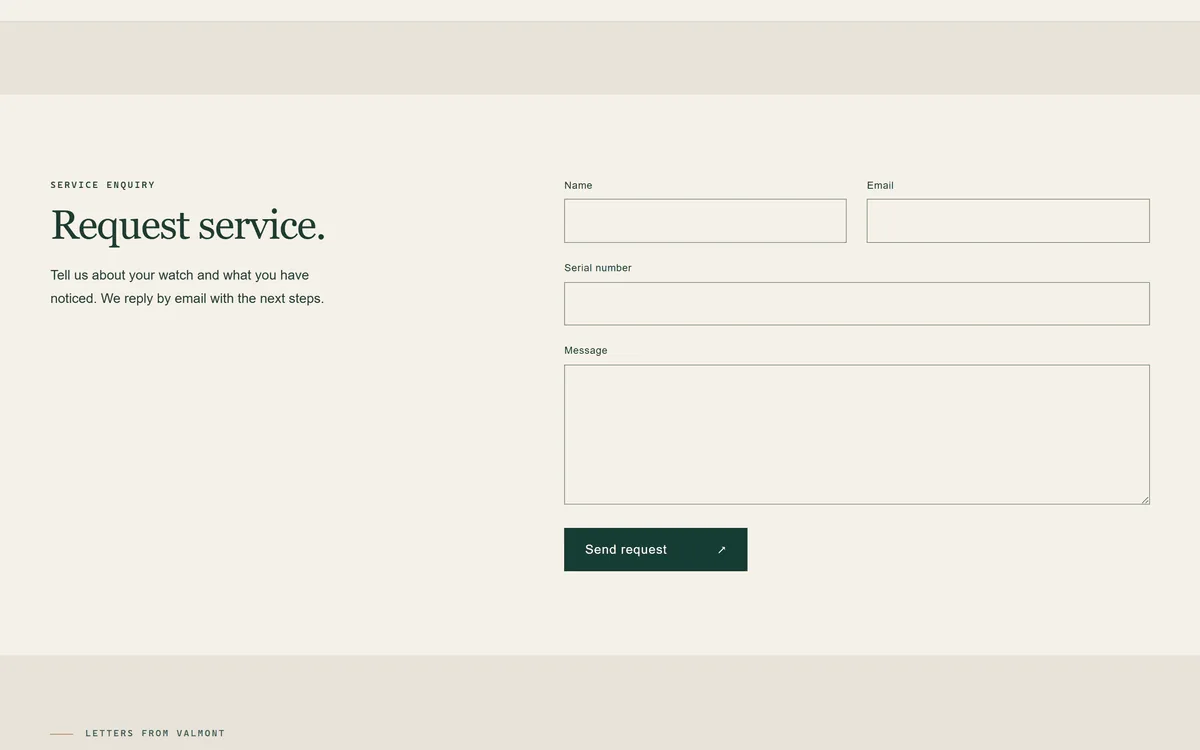
Ready page templates built on Shopify's contact form and order lookup.
Tools depend on the content and settings you configure; some use Shopify features such as pickup locations, selling plans or Shopify Email. Demo products and their details are illustrative, and the demo continues to evolve. See what's included in the documentation.
THE VALMONT STORE KIT
Companion deliverables that take a new store from an uploaded theme to a launch-ready catalogue.
Creates the watch metafield and metaobject definitions and the theme's pages in your store, with an optional demo content import.
Product and watch profile templates with a column-by-column guide.
Markets, policies, shipping, structured data and accessibility checks before you open.
How to move to a new release while keeping your settings and customisations.
Branded Shopify email notifications that match the storefront.
Ready workflows for waitlist and allocation tags, engraving orders and restocks.
What support covers and how to reach the studio.
Short walkthroughs of setup and the included tools.
SUPPORT & UPDATES
Questions about setup or an issue with the theme go straight to the people who build it, through the support form or by email.
[email protected] ↗Yes. Download the ZIP, then in Shopify go to Online Store → Themes → Add theme → Upload zip file. You can use it on every store you own or build. The one condition is keeping the “Theme by Mufatech” link in the footer.
Valmont is free under a short license: install and modify it on any store you own or build for a client, keep the footer credit link, and don’t resell or redistribute it as a theme. Read the license.
Each release has a version number and release notes. The documentation explains how to move to a new version while keeping your settings.
Support from the studio, through the support form or by email, for installing, configuring and using the theme's documented features, and for reproducible theme defects. The first reply comes within one business day (Monday to Friday, 9:00 a.m.–5:00 p.m. US Eastern Time), and the support policy sets out the scope.
A Shopify store that uses Online Store 2.0 themes. The included tools need no extra apps. A few features rely on Shopify settings you control: pickup needs locations, selling plans and pre-order deposits need an app that creates the plans, and follow-up emails for interest lists are sent with Shopify Email or Flow.
Yes. Explore the live demo store with the storefront password valmont. Demo products and their details are illustrative.
VALMONT · FREE DOWNLOAD
Free for every store you own or build. Keep the footer credit link; that’s all we ask.
Demo storefront password: valmont
No Shopify store yet? Start a Shopify trial (opens in a new tab) and upload Valmont on day one. Affiliate link: we may earn a referral fee, at no cost to you.